MSFS

LIVERYLAB / MSFS
External download. Check the requirements and file license before installing.
01 / Overview
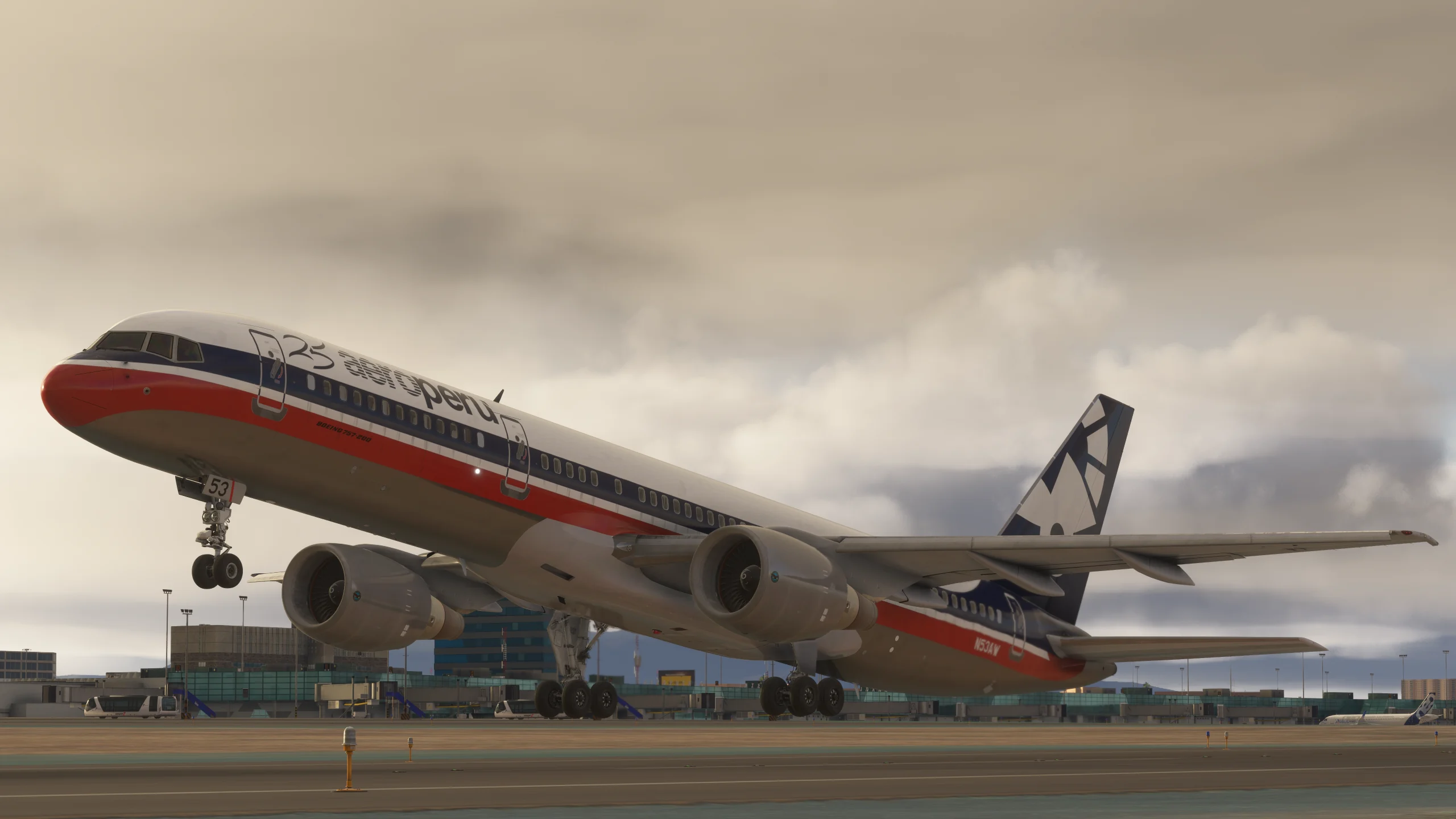
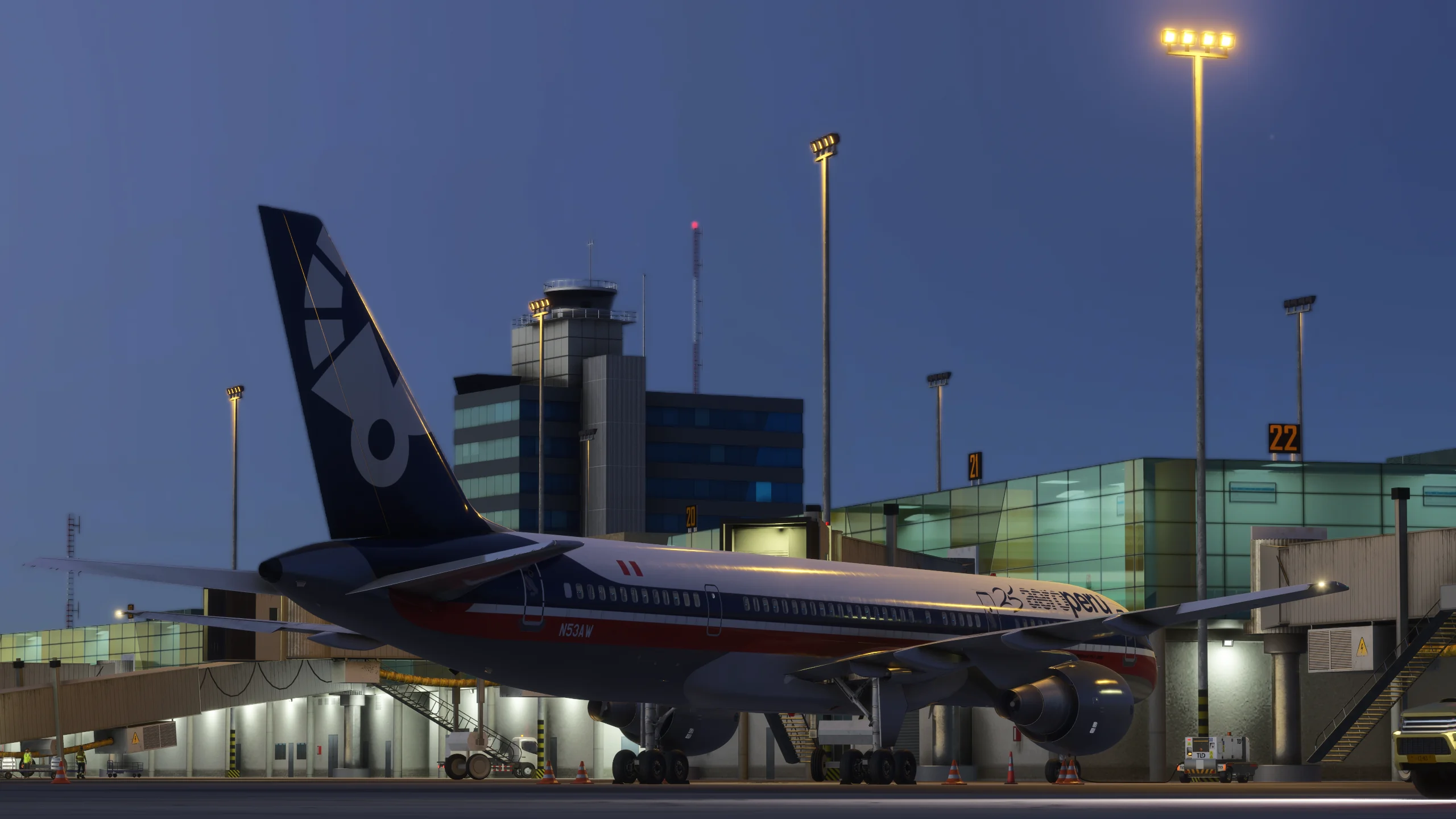
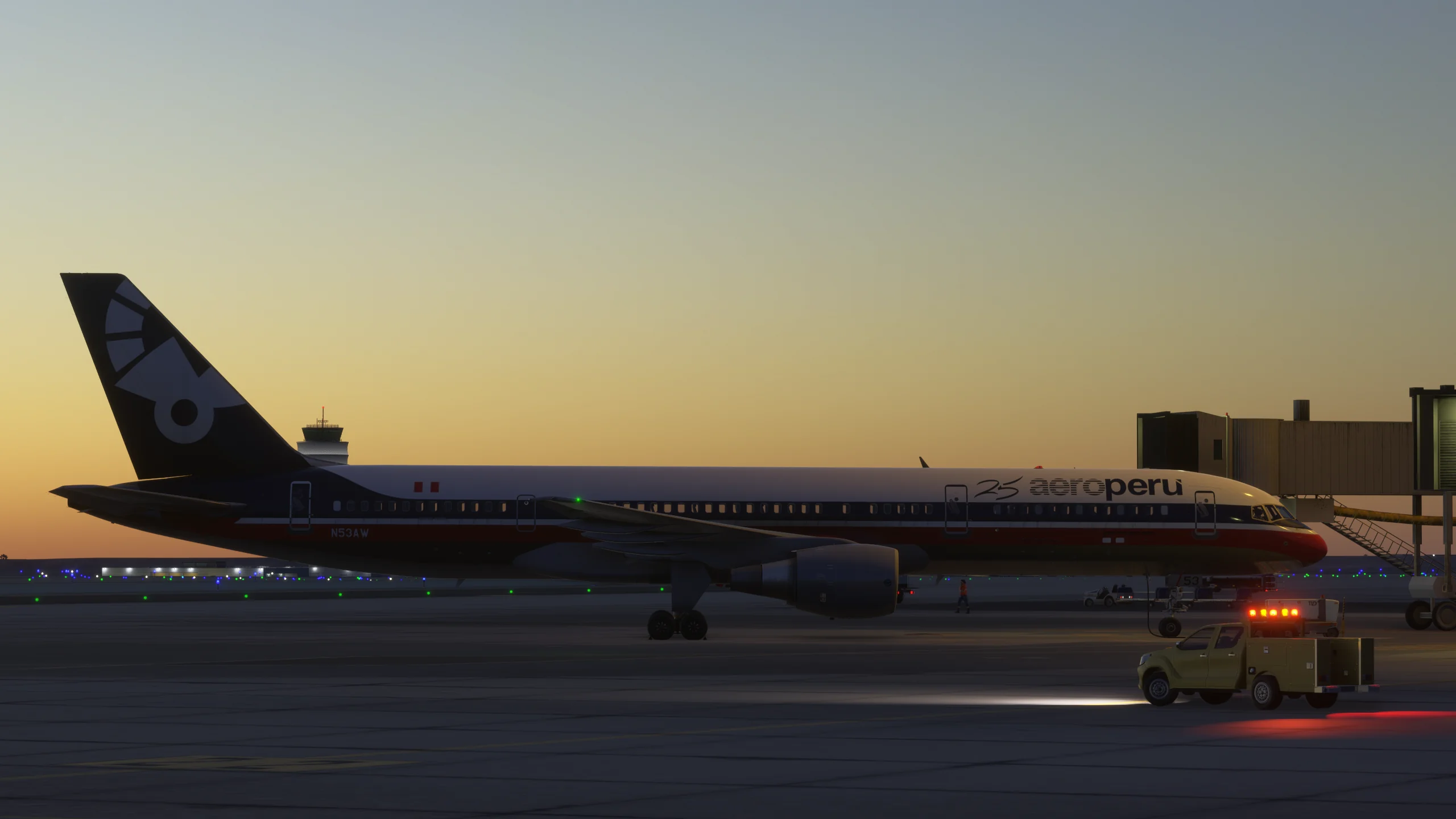
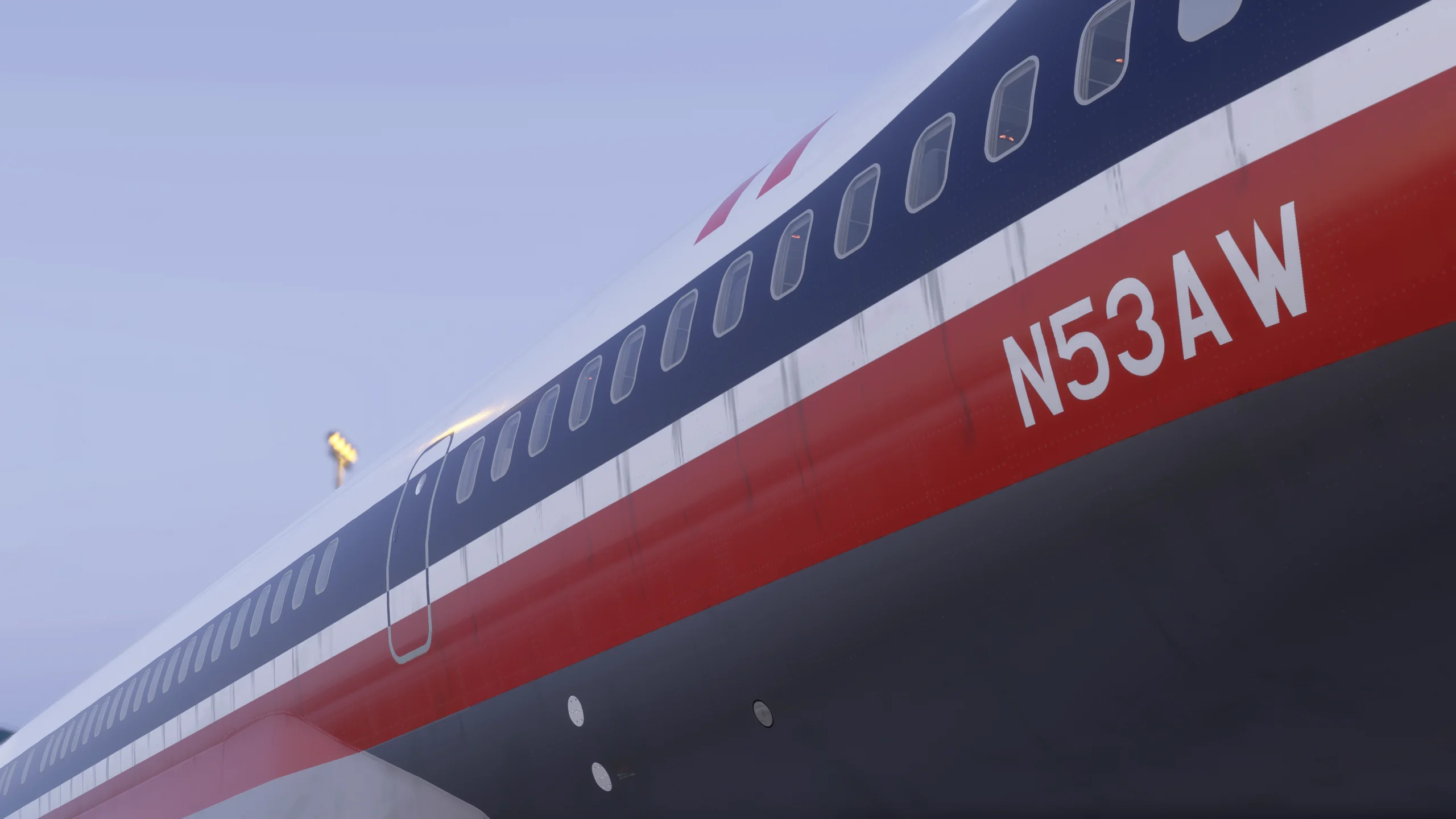
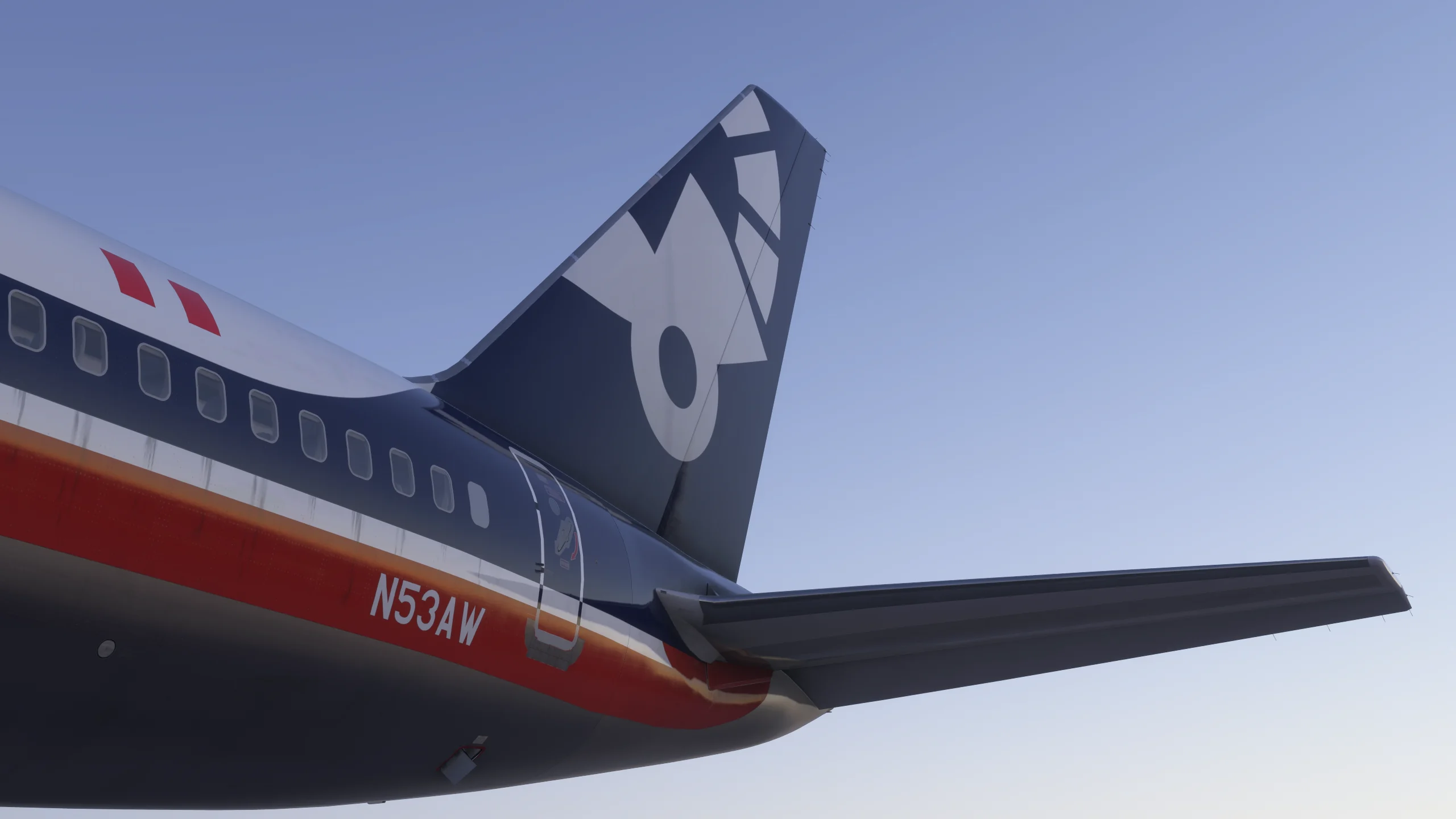
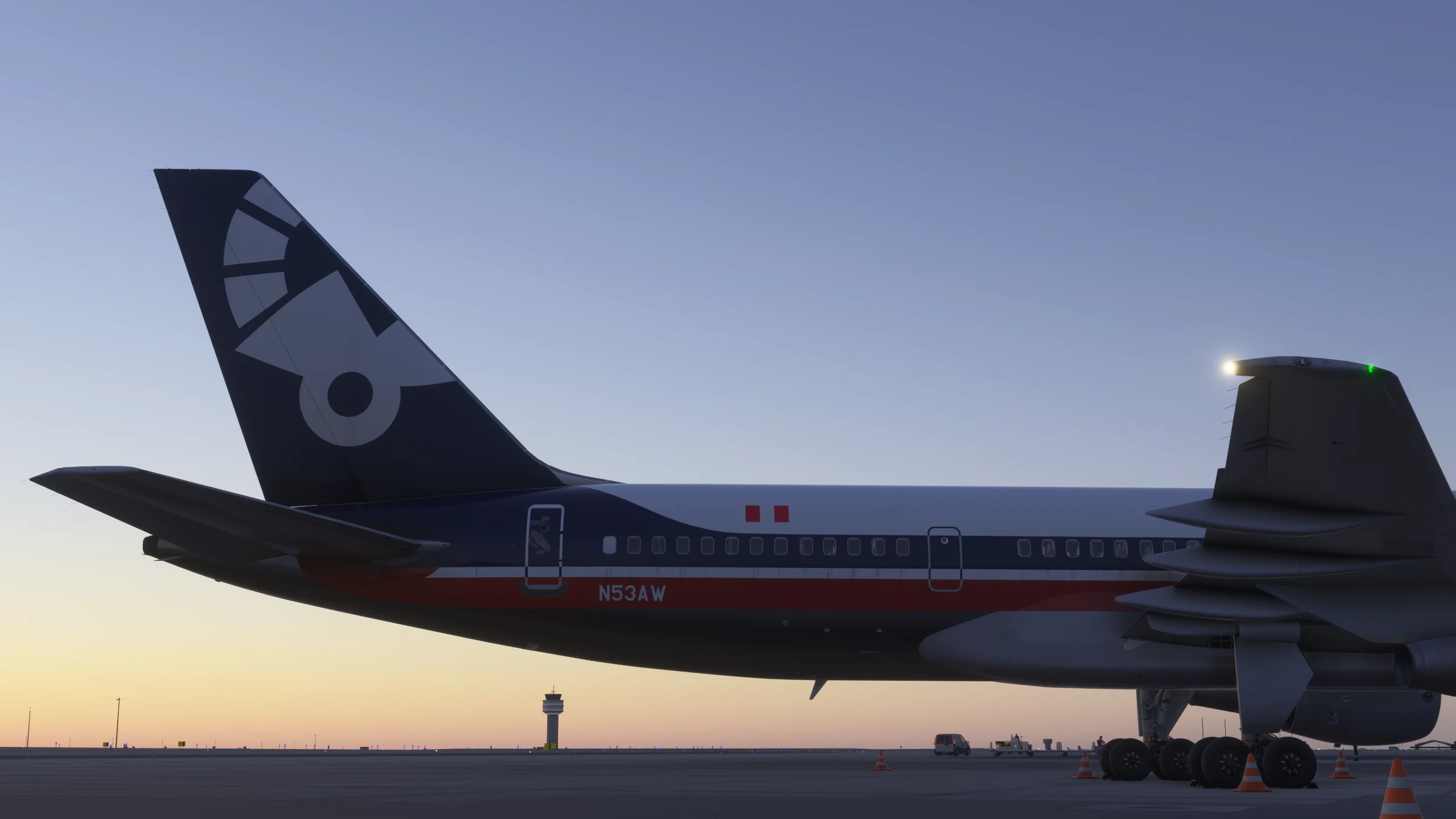
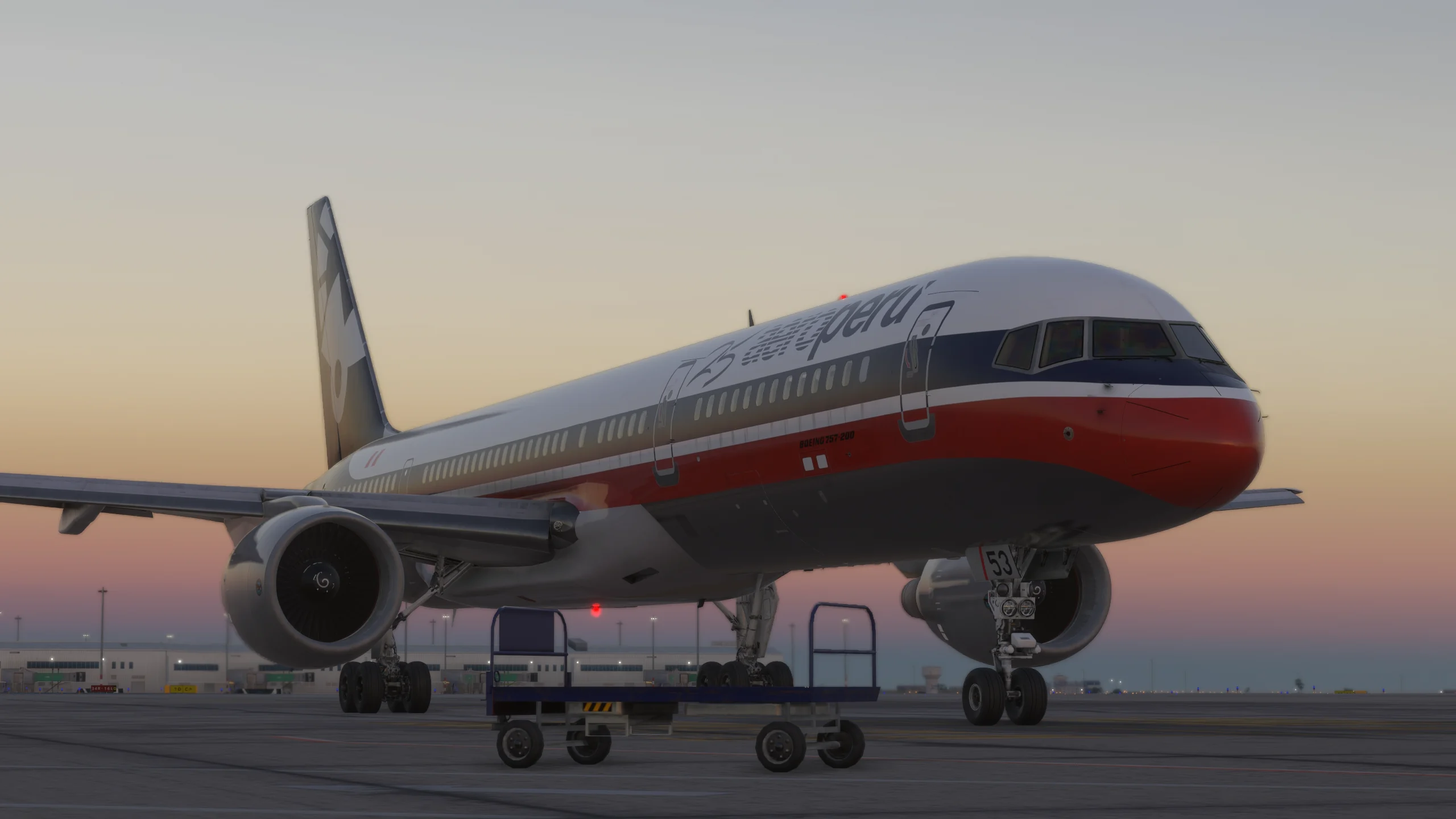
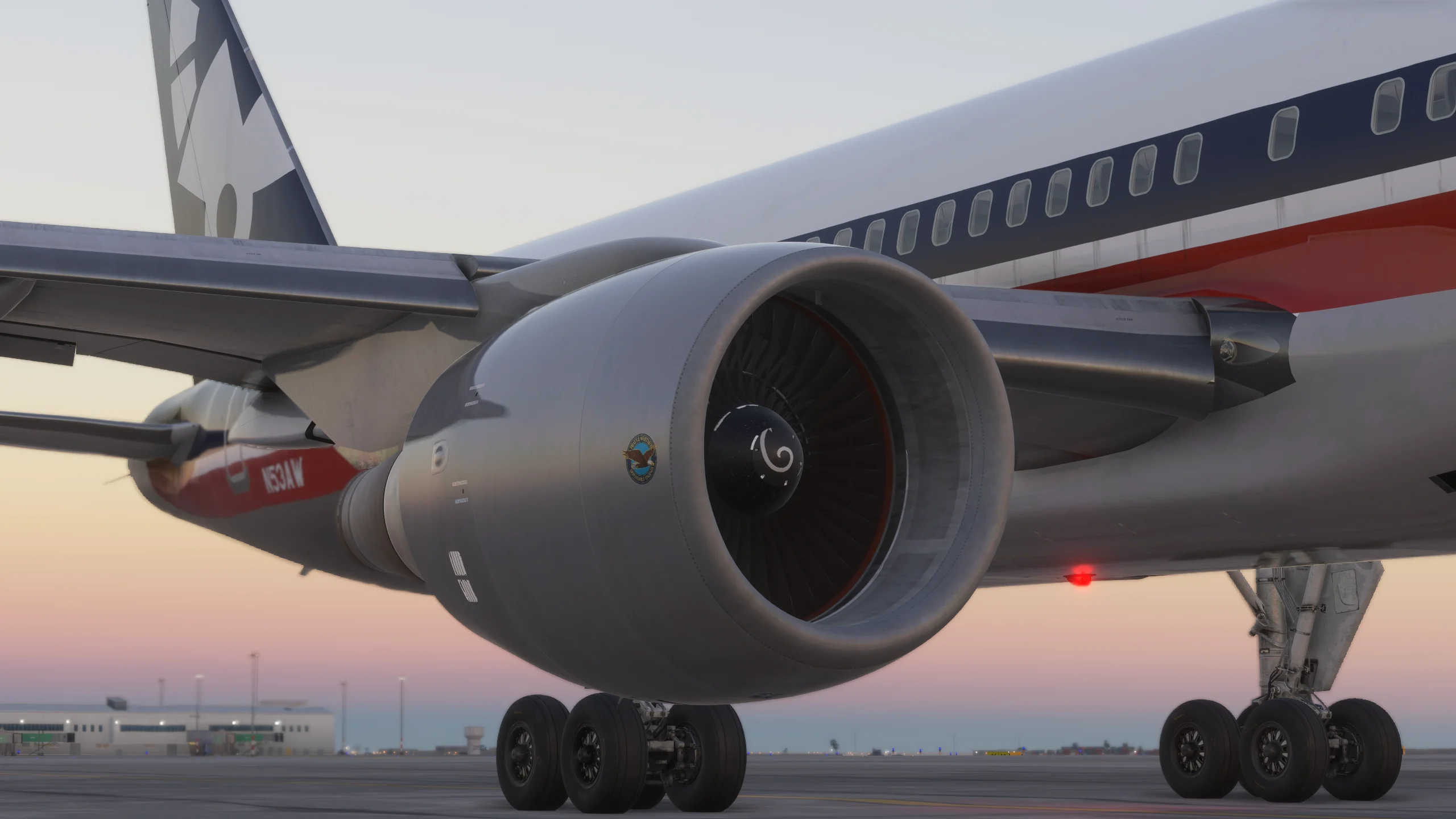
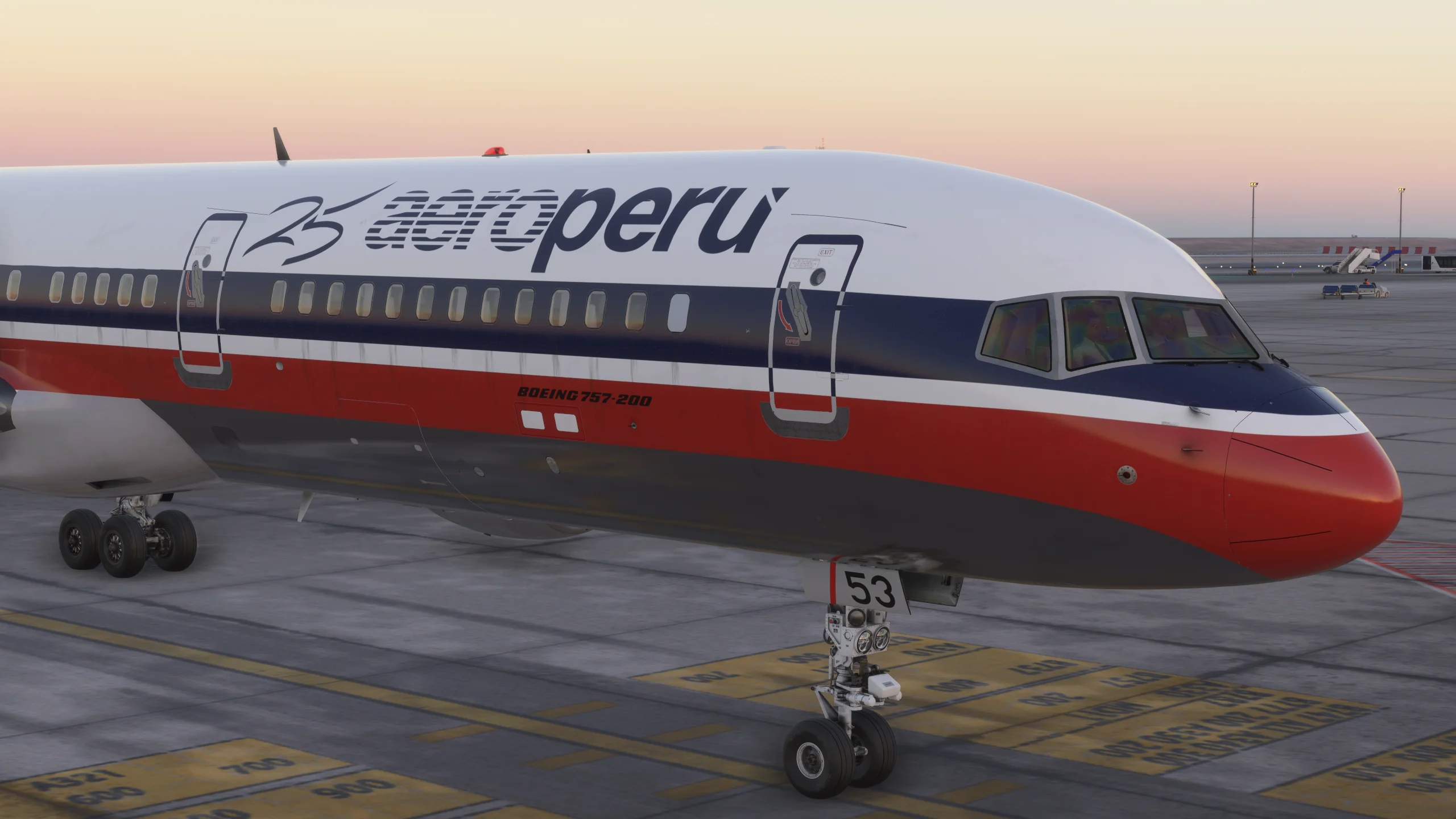
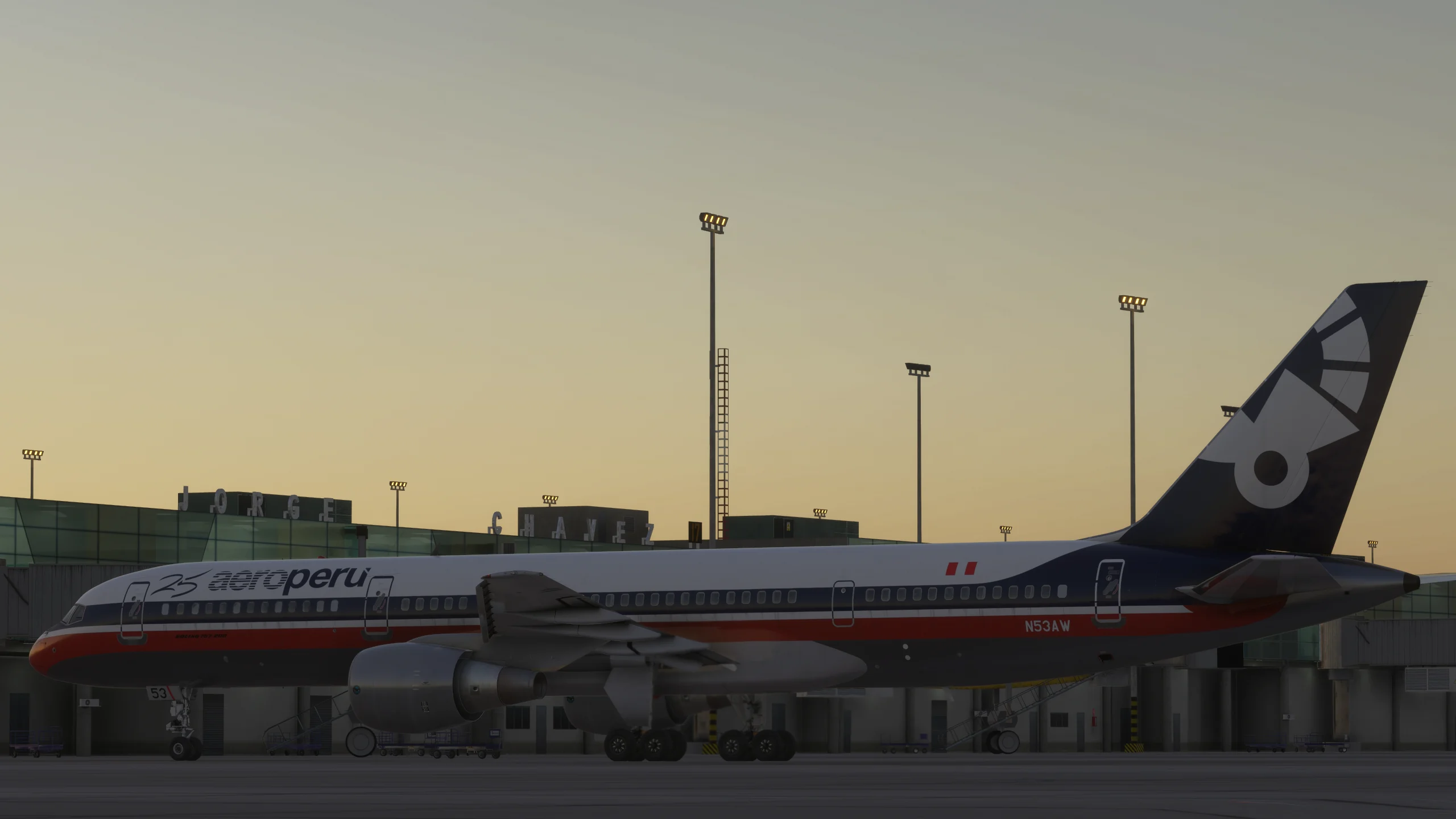
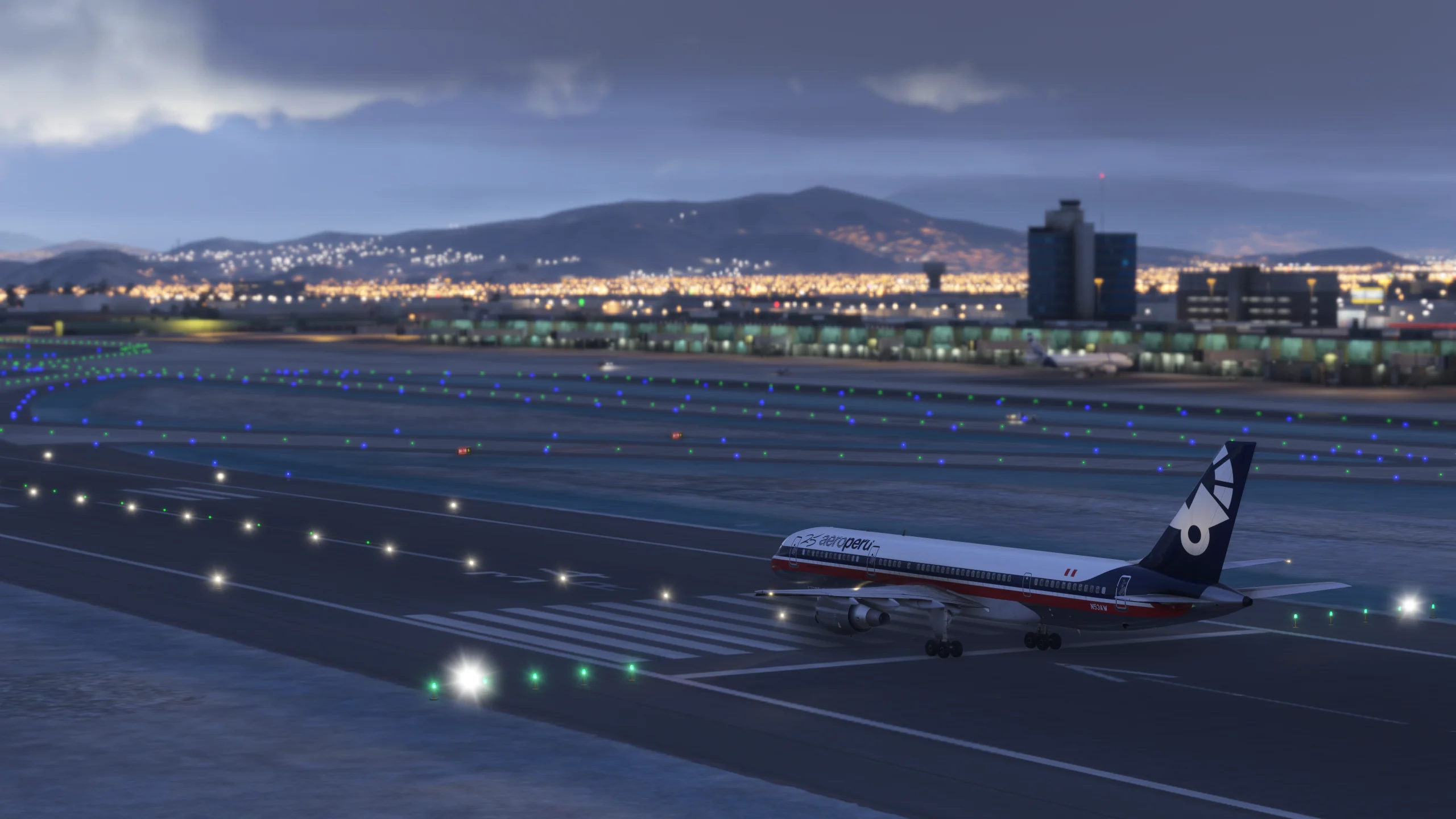
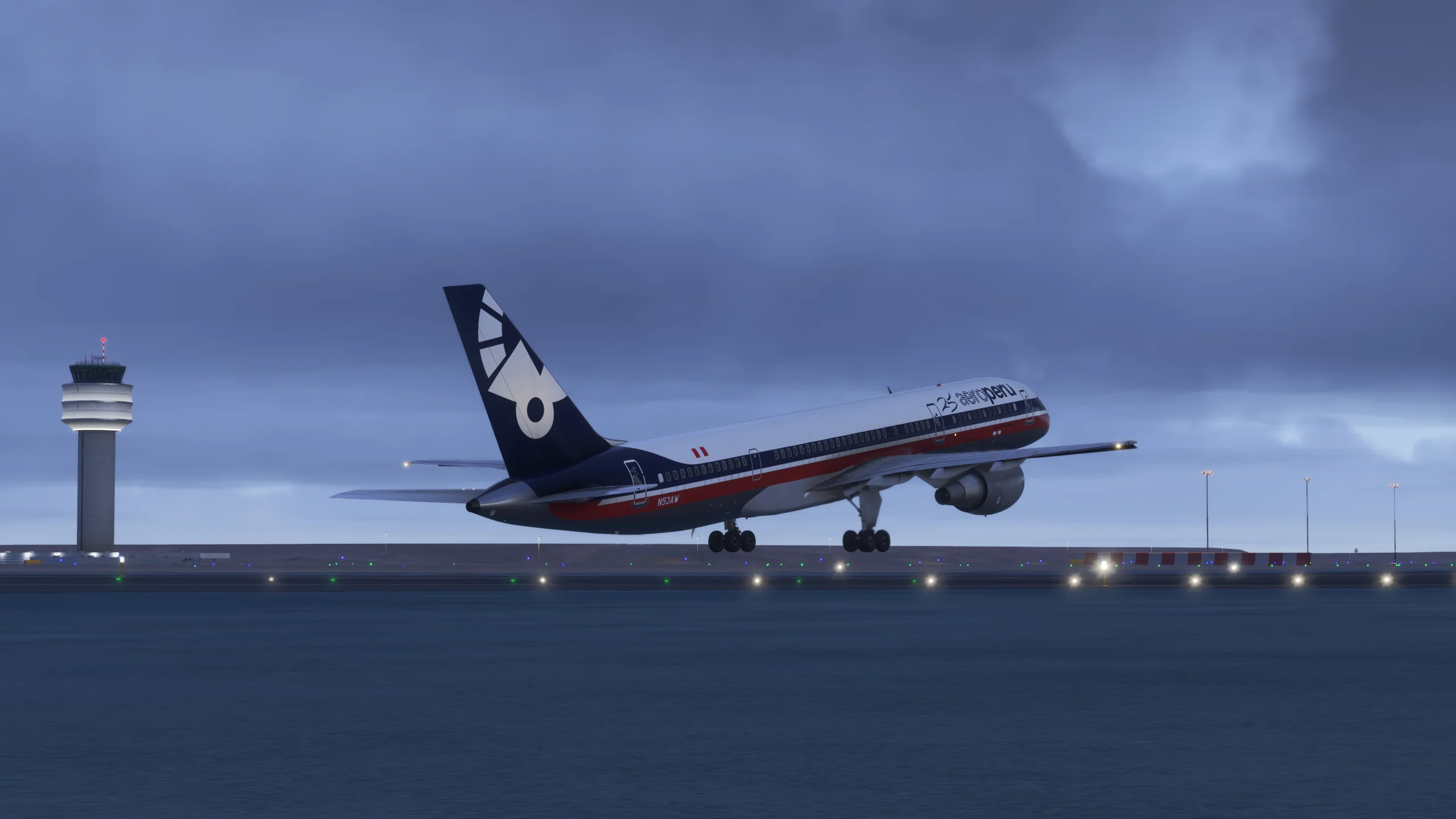
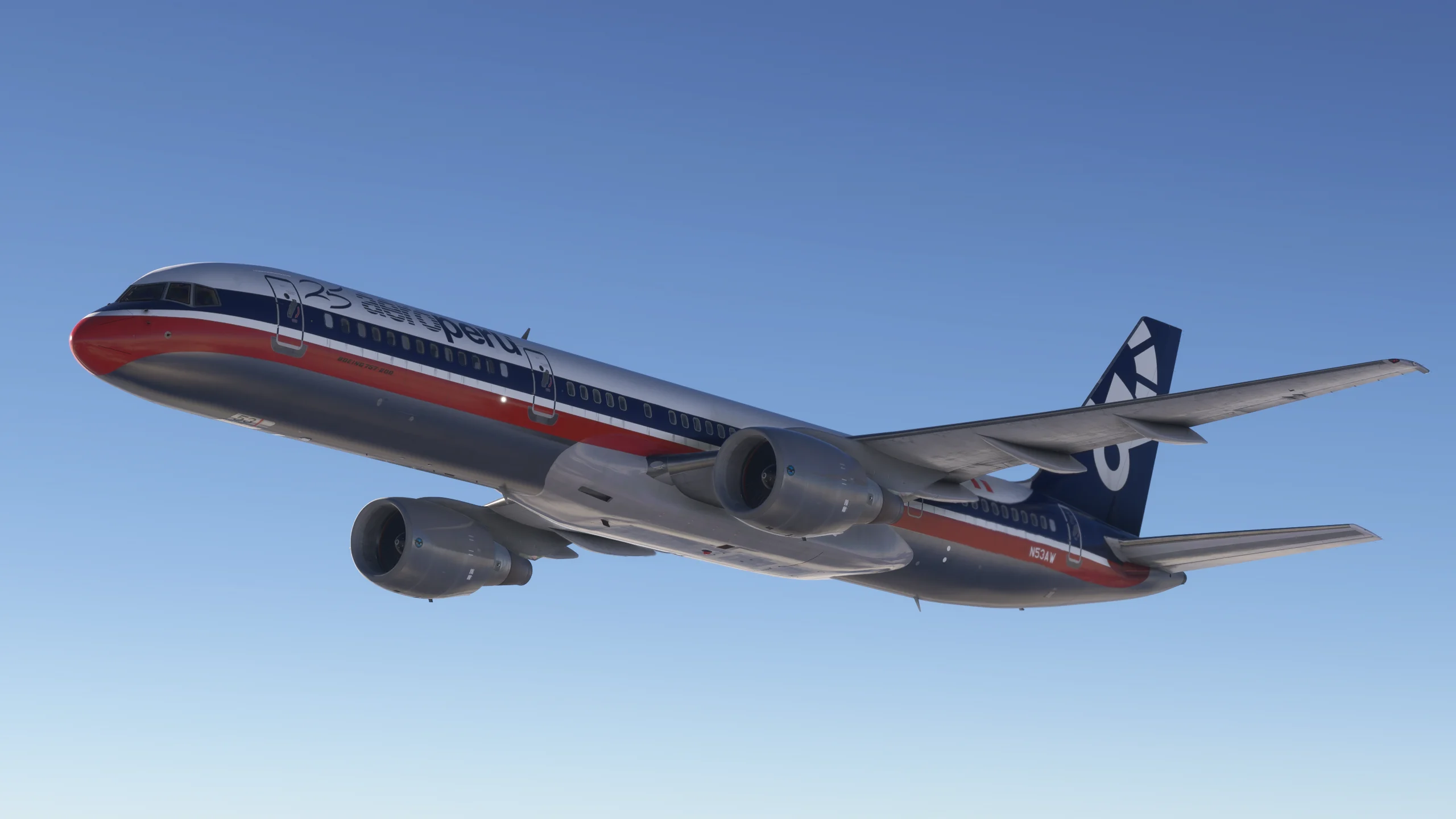
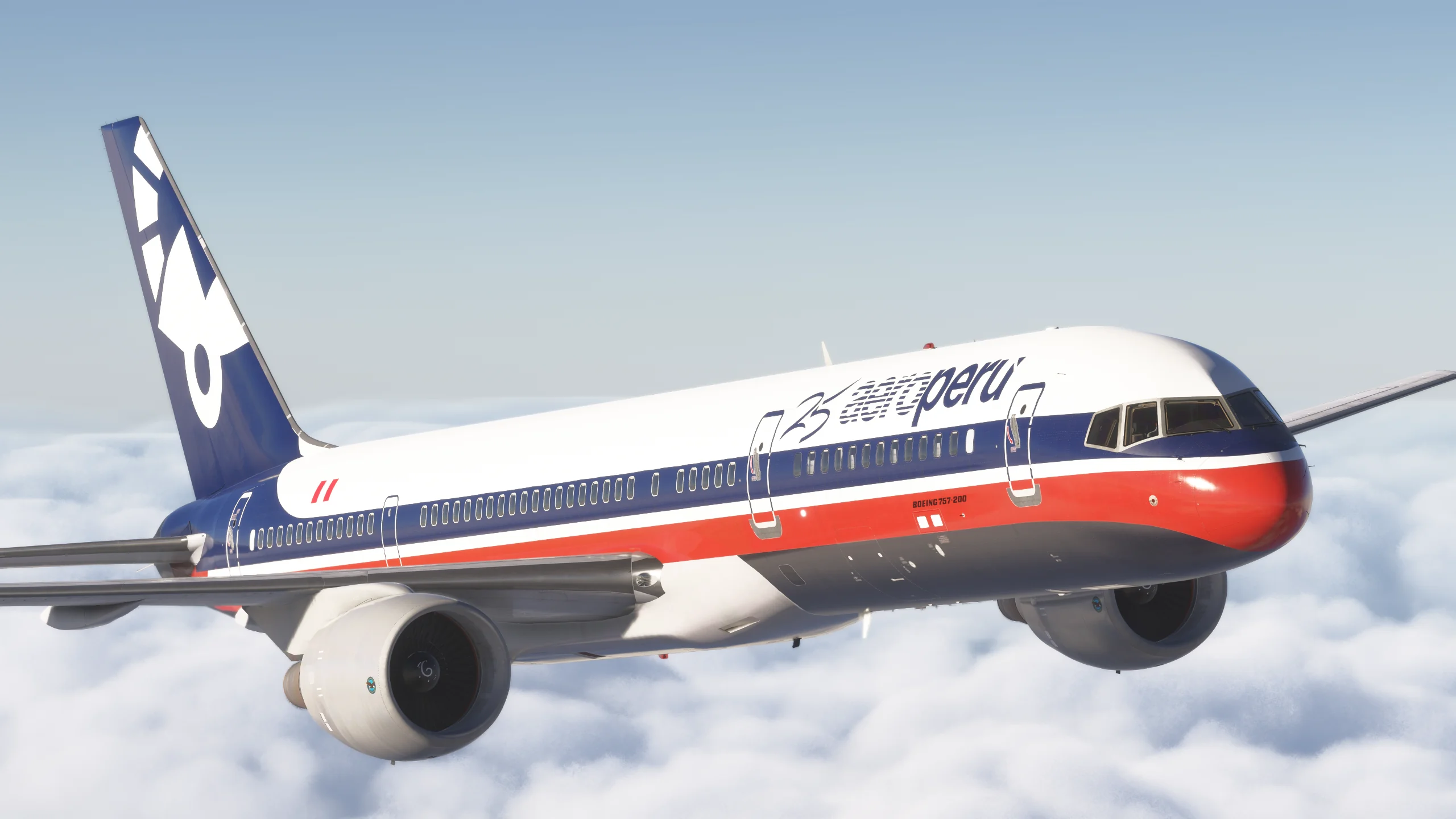
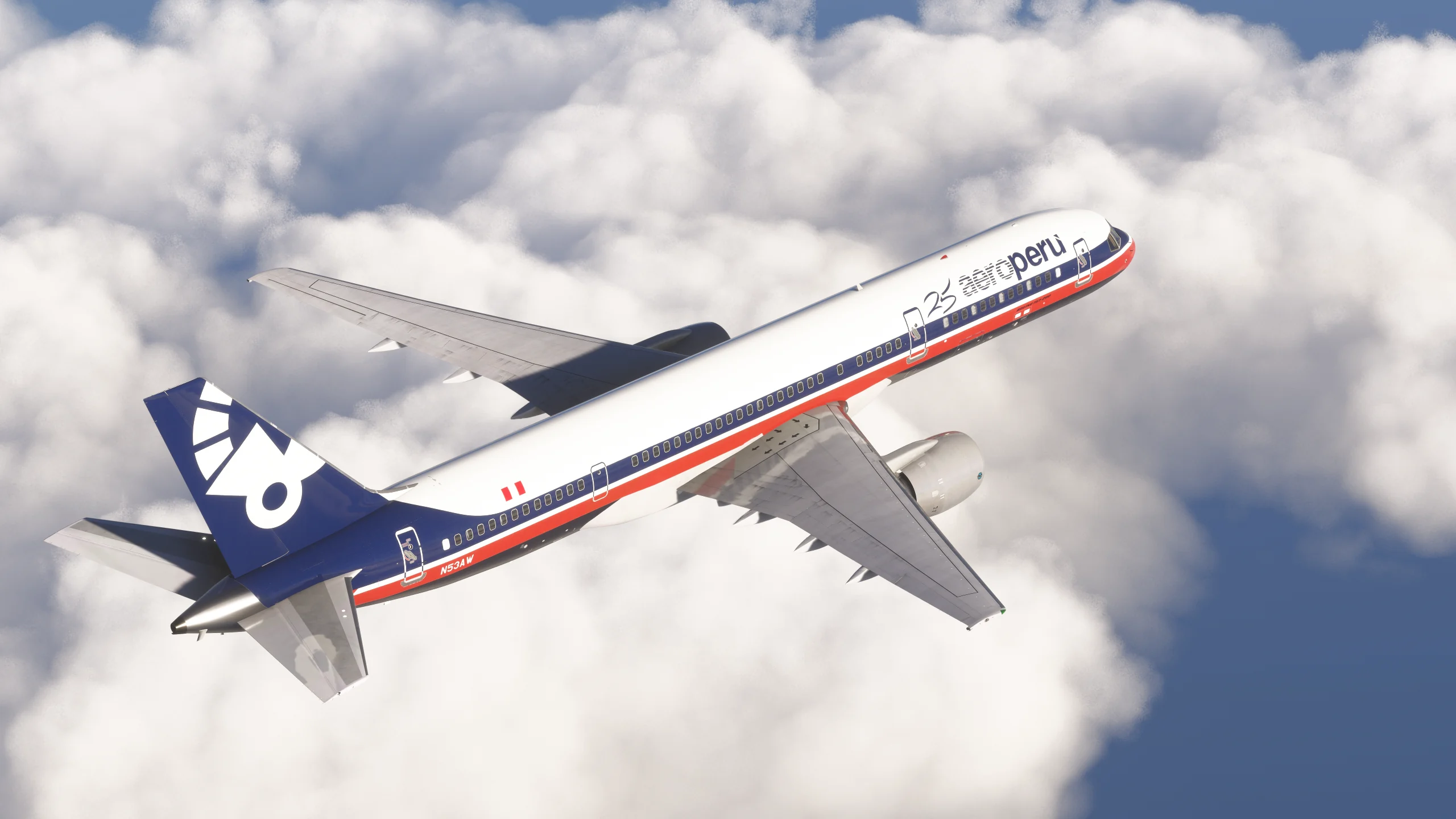
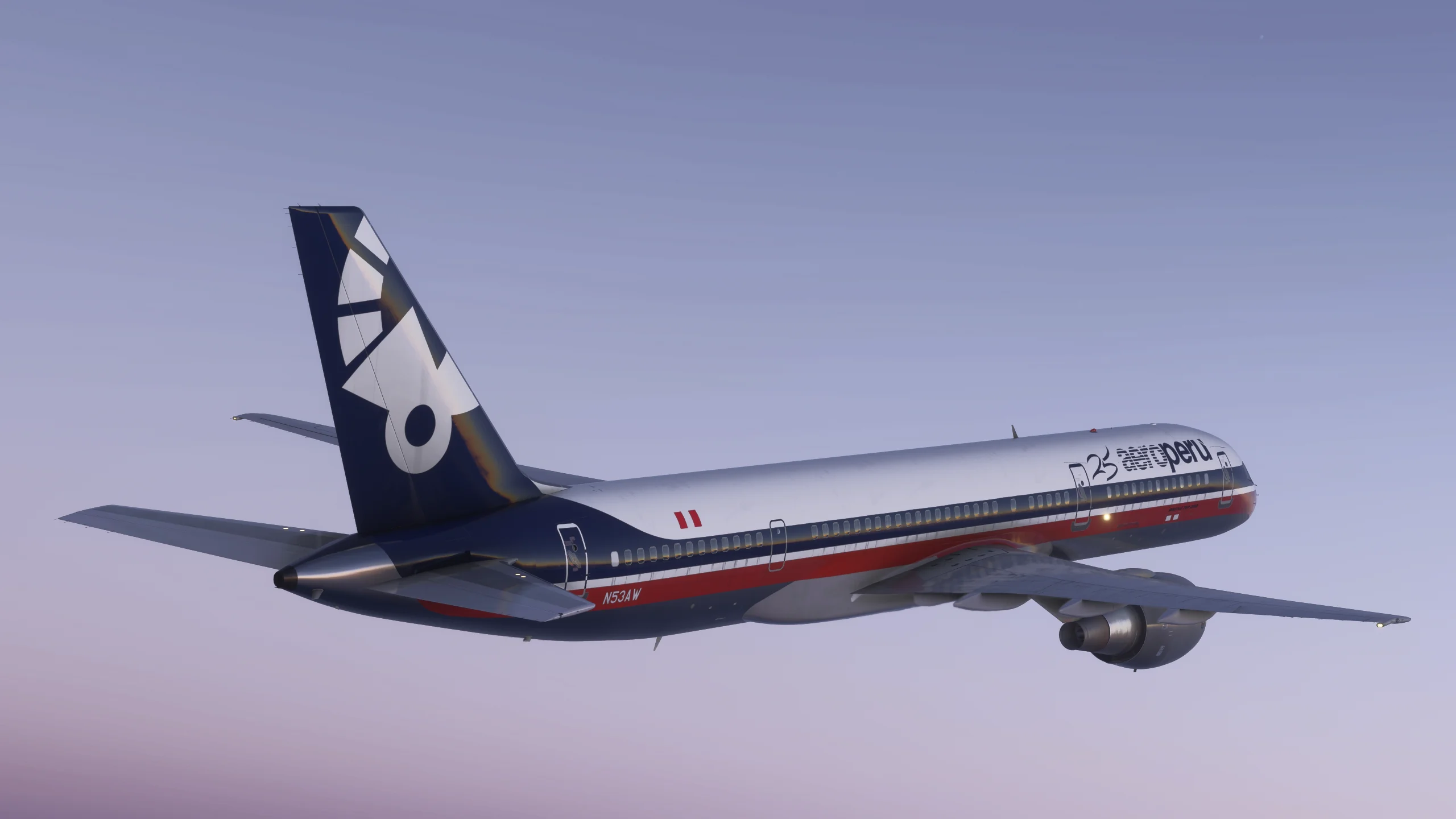
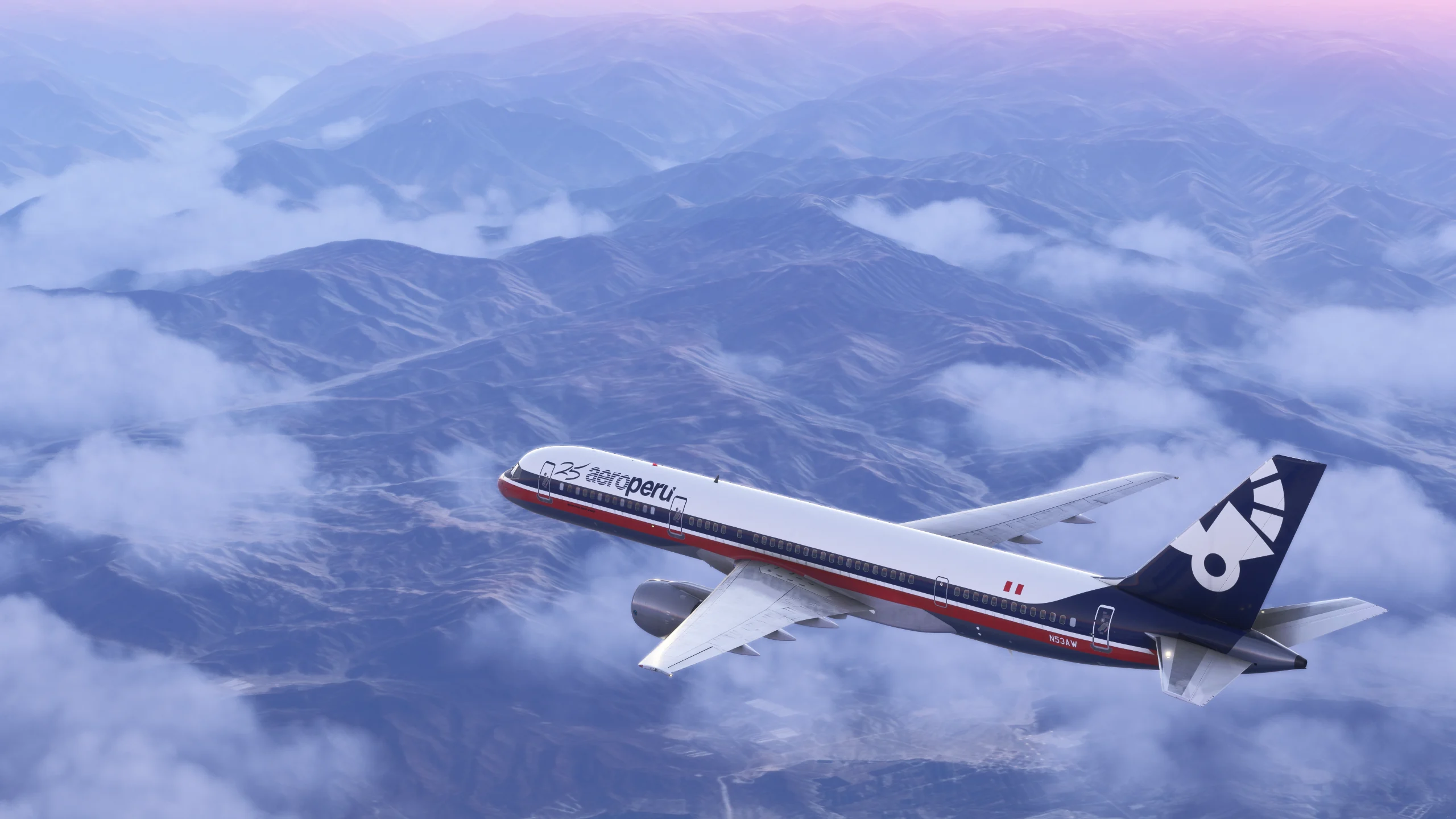
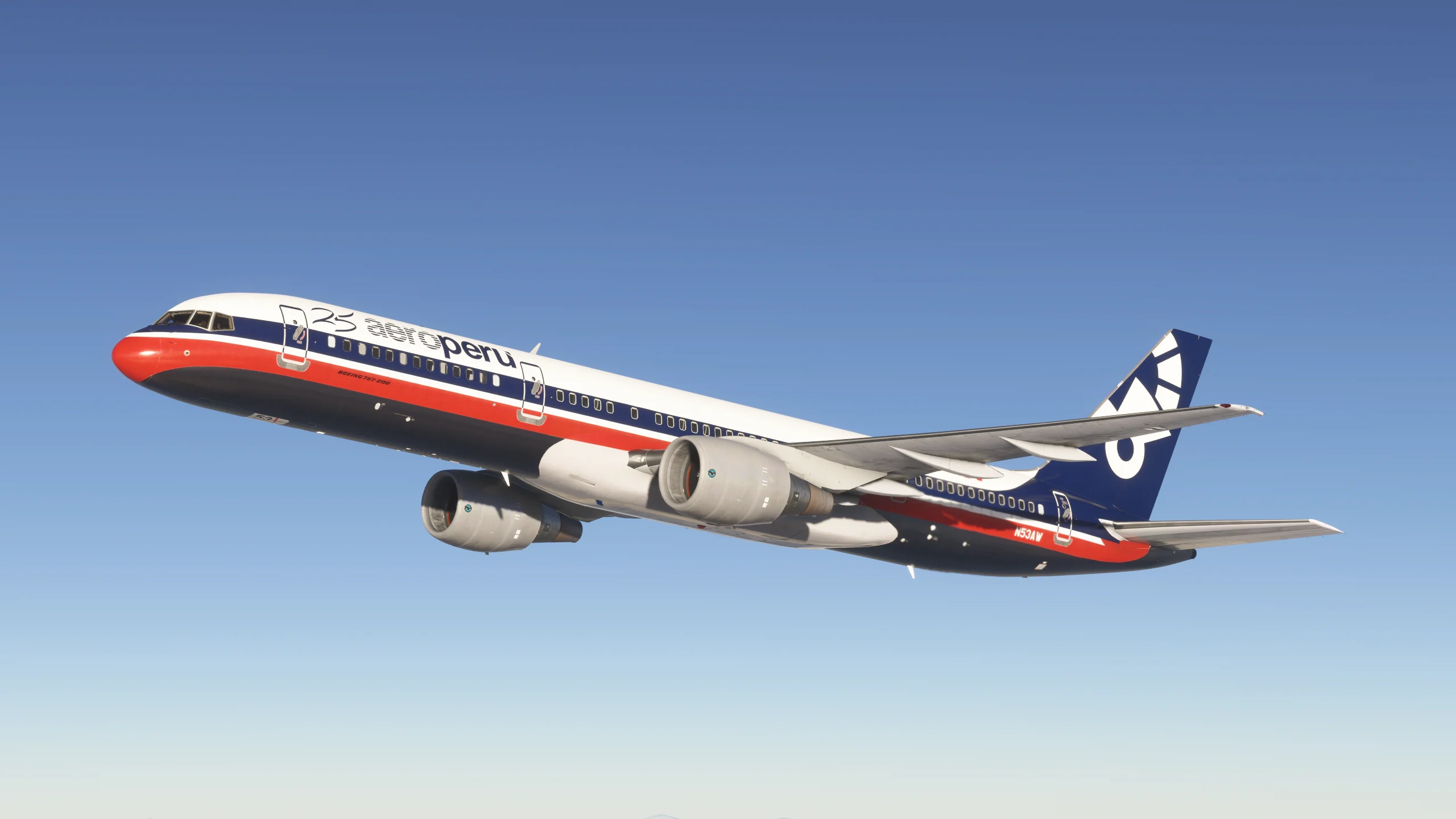
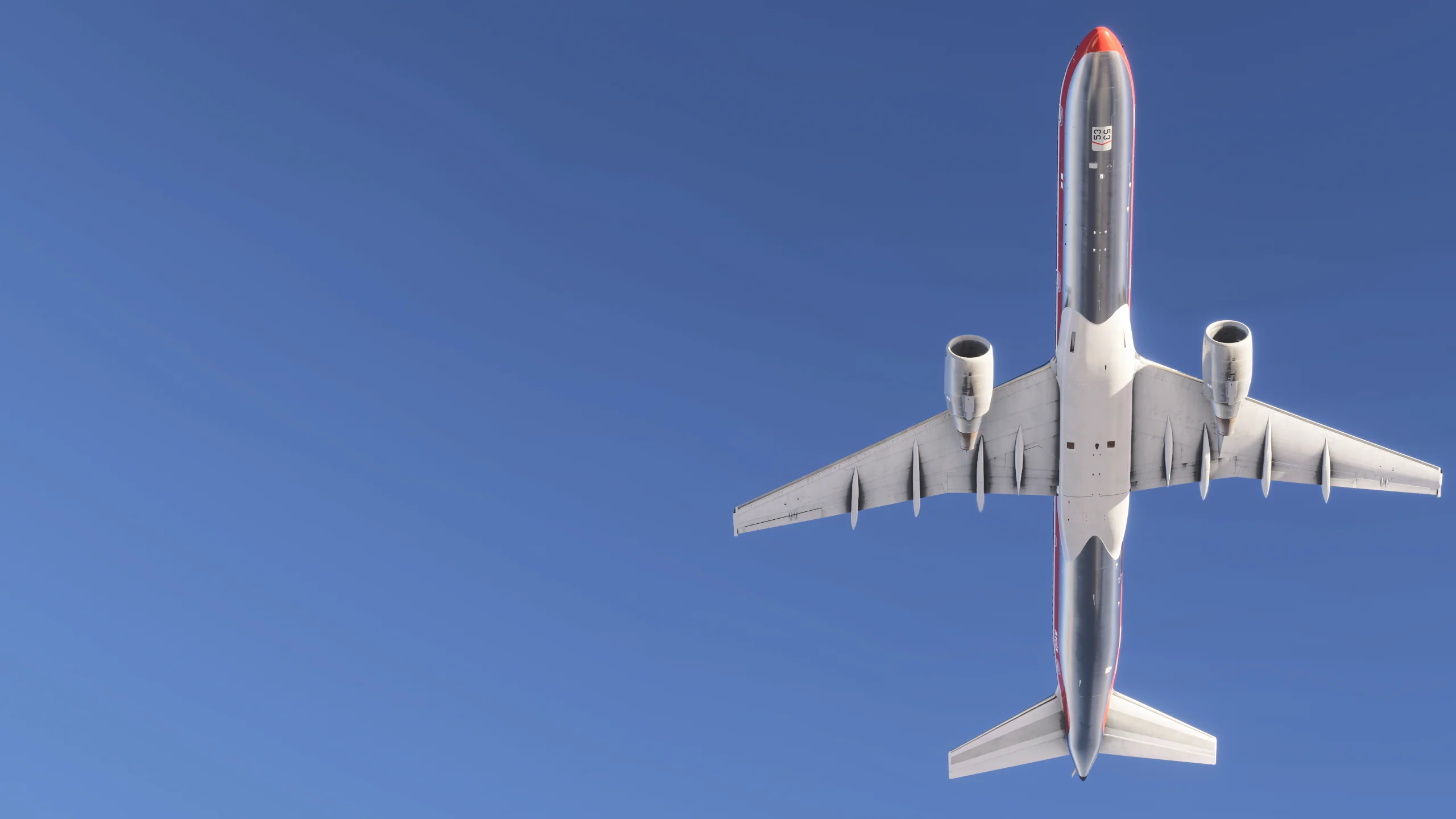
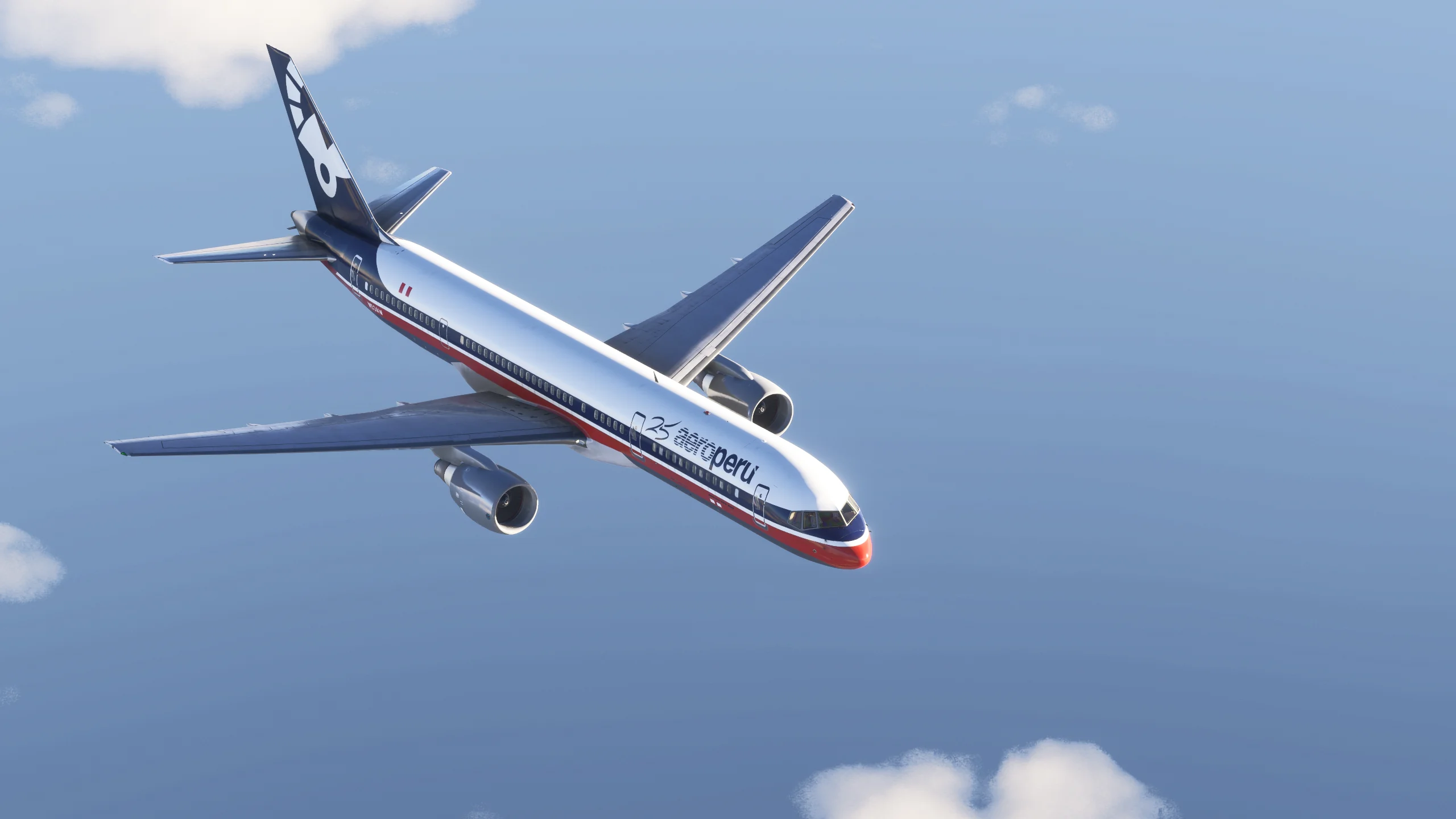
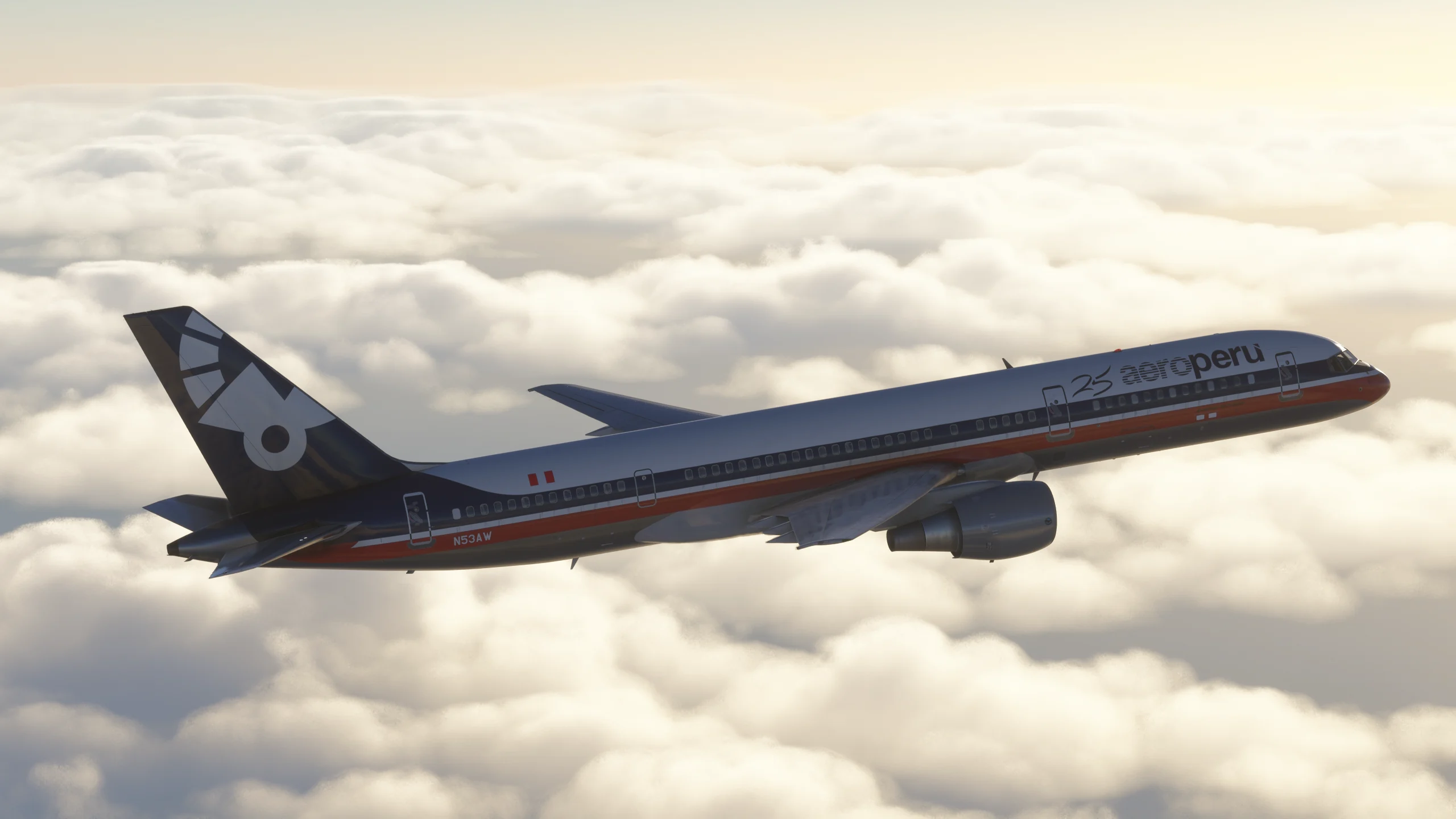
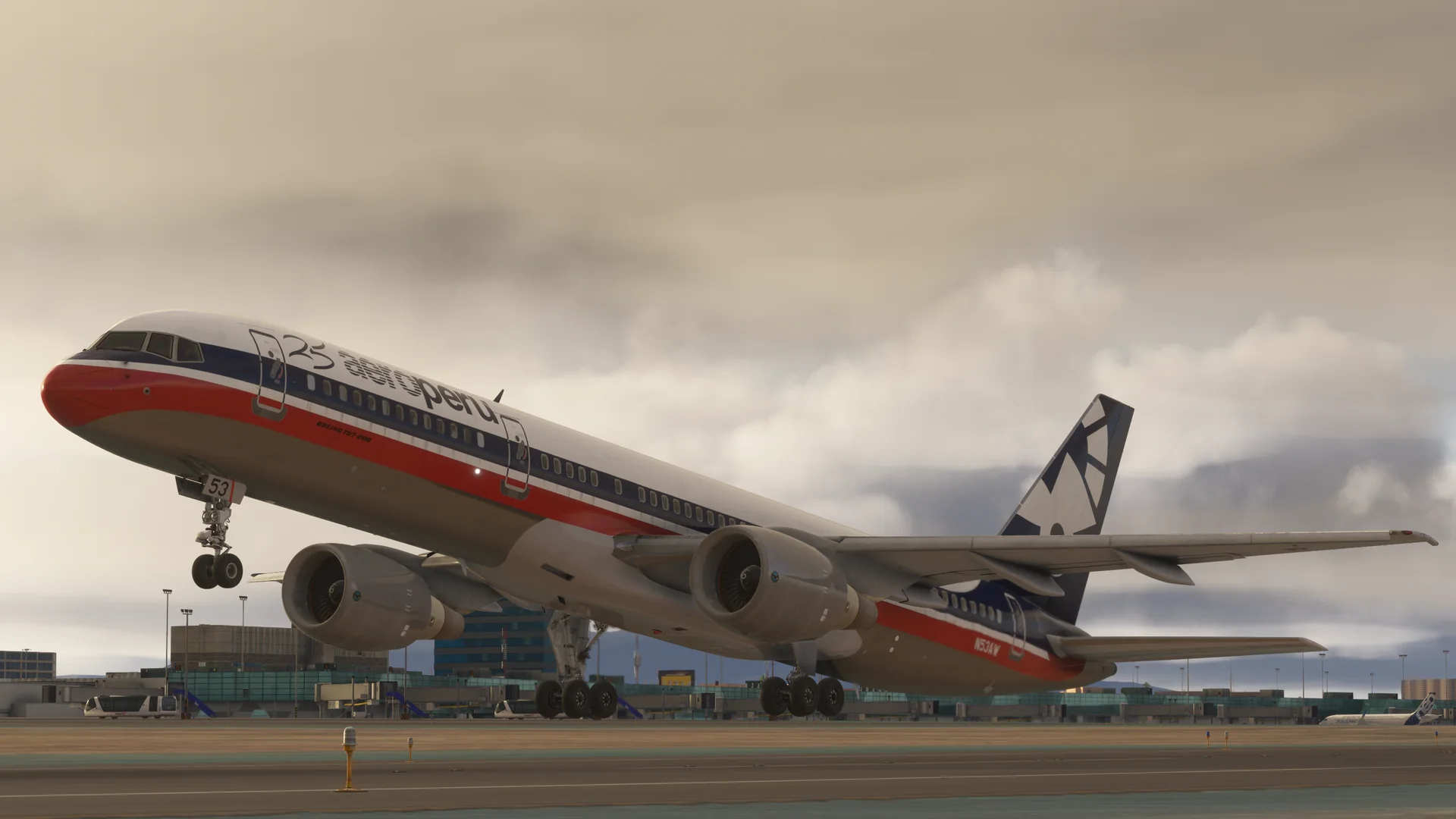
AeroPerú’s identity returns to the BlueBird Simulations Boeing 757-200 with registration N53AW. The white fuselage, red and blue stripes, and airline emblem on the tail recreate its 1990s appearance. Relive this chapter of Peruvian aviation in Microsoft Flight Simulator 2020 and 2024.
N53AW was a Boeing 757-23A, manufacturer serial number 25490 and line number 510, powered by Pratt & Whitney PW2037 engines. Its first flight was on December 7, 1992. It joined AeroPerú in late 1994 as XA-SMD and regained registration N53AW in May 1995. After the airline closed in 1999, it moved to Aeroméxico. It was later converted into a freighter for FedEx as N994FD.
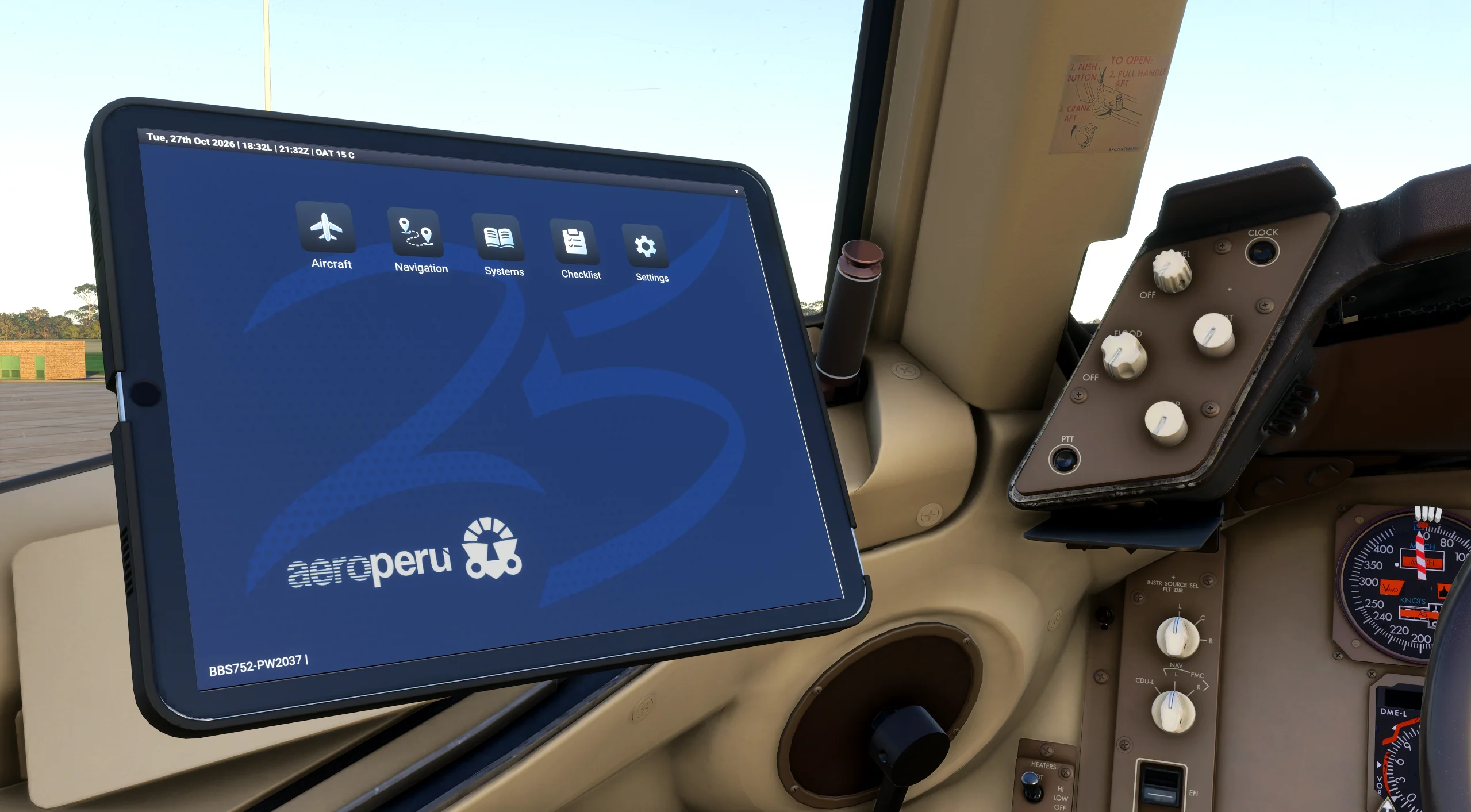
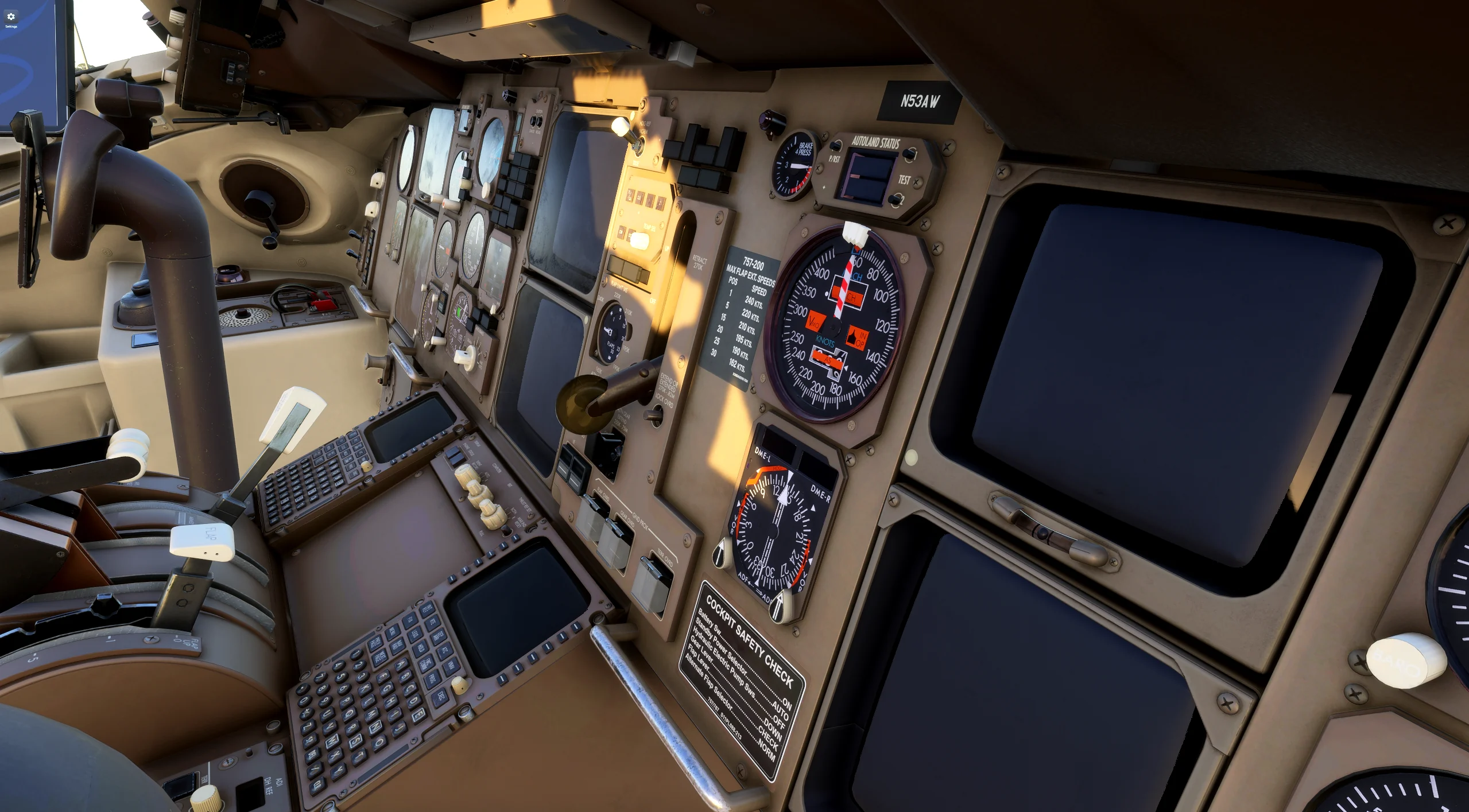
The gallery includes exterior views, registration details, and cockpit and EFB screenshots. A separate AeroPerú wallpaper download is also available to personalize the aircraft’s tablet.
02 / Gallery
03 / Installation
Compatibility: Microsoft Flight Simulator 2020 and Microsoft Flight Simulator 2024. Requires the BlueBird Simulations Boeing 757-200 installed in the corresponding simulator. This is a livery; the aircraft is purchased separately.
The livery is now available on flightsim.to. Download it using the button on this page and follow the instructions included with the package.
EFB WALLPAPER — OPTIONAL INSTALLATION
1. Close the simulator and download efb_bg_002.zip using the supplementary link on this page. Extract efb_bg_002.png from the ZIP.
2. Open bluebirdsim-aircraft-757-200\Data\efb\efb_bgs inside the aircraft’s installation folder. Before copying anything, save a copy of the original efb_bg_002.png in a separate folder, such as a backup folder outside the aircraft directory. Keep that copy so you can restore it.
3. Copy the new efb_bg_002.png into bluebirdsim-aircraft-757-200\Data\efb\efb_bgs and accept replacing the existing file. This step OVERWRITES the original wallpaper. Install the extracted PNG, not the ZIP.
4. Start the simulator and select the corresponding wallpaper in the EFB. To restore the original, close the simulator and copy your backup file back into place. Aircraft updates or reinstalls may replace the custom wallpaper.
These supplements are hosted by LiveryLab. Back up your files and check addon compatibility before installing.
Supplement 1 · ZIP ↗04 / Terms of use
You may share the original with attribution, without commercial use or distribution of modified versions, under the stated license.
CC BY-NC-ND 4.0 ↗Terms of use →